
A Million per Ton
My Journey to the First CAD Add-in
From a single sentence heard at university, through discovering the Inventor API, to the first working CAD add-in. A story about how an ordinary BOM became a bridge between engineering and business – and how deep the data rabbit hole can really go in the technical world.
Back in my student days, around 2003, an unnamed professor – by the way, an amazing person and later a dean – sat with one foot on the table and told a story from practice.
They made a new press and couldn't price it. Material, labor, various calculation methods, coefficients… and still poor profitability. In the end, they called in an experienced colleague who, without lengthy analyses, uttered the legendary phrase:
"A Million per Ton"
A few years later, I am sitting in the office. On my desk is a CAD add-on project that is supposed to analyze a 3D assembly and calculate the price based on materials and price lists. As a technical analyst and consultant for DMS, I discover the .NET Framework and my first digital child is born. Brian Ekins' blog opens up the world of APIs for Autodesk Inventor, and for the first time, I see those green letters like Neo in the Matrix.
My experiences in Data Management gradually changed my perspective. Suddenly, I didn't just see a 3D model, but the entire life of data around it – revisions, links, approvals, the path of information from engineering to production and economics. The BOM ceased to be just an ordinary item list. It became the language that engineers, purchasing, production, and sales speak together.
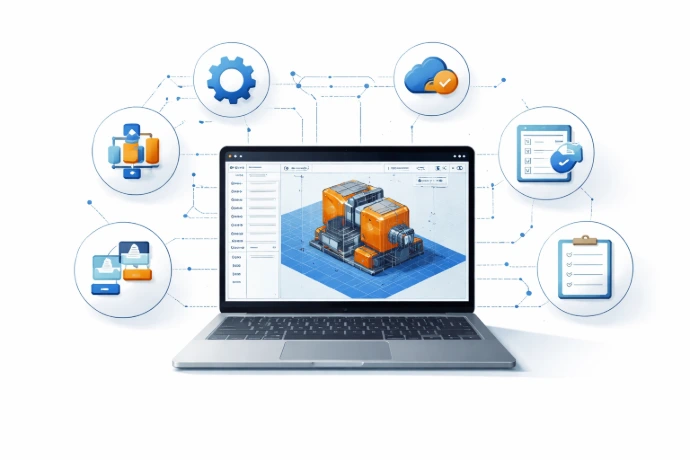
Time is running, customers are increasing, and new features are piling up around the core of the add-on. It is no longer just a simple BOM that needs to be recalculated from scratch after every change. It is a final tool that saves minutes – and those quickly turn into hours for the designer.
Here’s what such an approach can do today:
- enter the initial quantity
- recalculate final quantities in a structured BOM
- merge items, round to packages and standardized dimensions
- unit conversions, allowances for trimming or welding
- configurable filters for parts and subassemblies
- report in any LOD
- custom definitions of reference types
- add model preview and QR codes
- multilingual environment and translations of the Content Center
- export to PDF from Word/Excel templates
- integration with ERP systems
- batch report generation
and many other features known only through practice
And I will gladly show you in future posts how deep this rabbit hole really goes.

Ing. Lubos RODANIC
I am a technical architect and developer focused on CAD, ERP and system integrations. For more than 15 years, I have been working at the intersection of engineering, data and business processes—from developing CAD add-ins, through DMS/PLM systems, to ERP, web solutions and IT infrastructure.